mirror of
https://github.com/Coding-Doctor-Omar/ShopExtract.git
synced 2026-07-25 12:01:09 +02:00
The only tool you need to generate Shopify import-compatible CSVs from ANY Shopify store on the internet.
| images | ||
| .gitignore | ||
| main.py | ||
| README.md | ||
| requirements.txt | ||
| shopify_csv_extractor_logo.svg | ||


ShopExtract — The Only Tool You Need to Extract Full Shopify Product Catalogs
Changelog
May 30, 2026
- Migrated from curl_cffi to wreq.
- Upgraded the collections aggregation strategy to have concurrency at the collections level, resulting in a tremendously faster collections aggregation strategy for stores with more than 25k products.
Features
- Interactive menu-based text-user-interface (TUI) with live on-screen scraping progress.
- Very fast scraping (~ up to 3,000 products/sec).
- Bypasses Cloudflare's anti-bot protections.
- Handles timeouts via auto-retries and exponential back-off.
- Bypasses /products.json endpoint blocks by auto-detecting a store's myshopify.com domain.
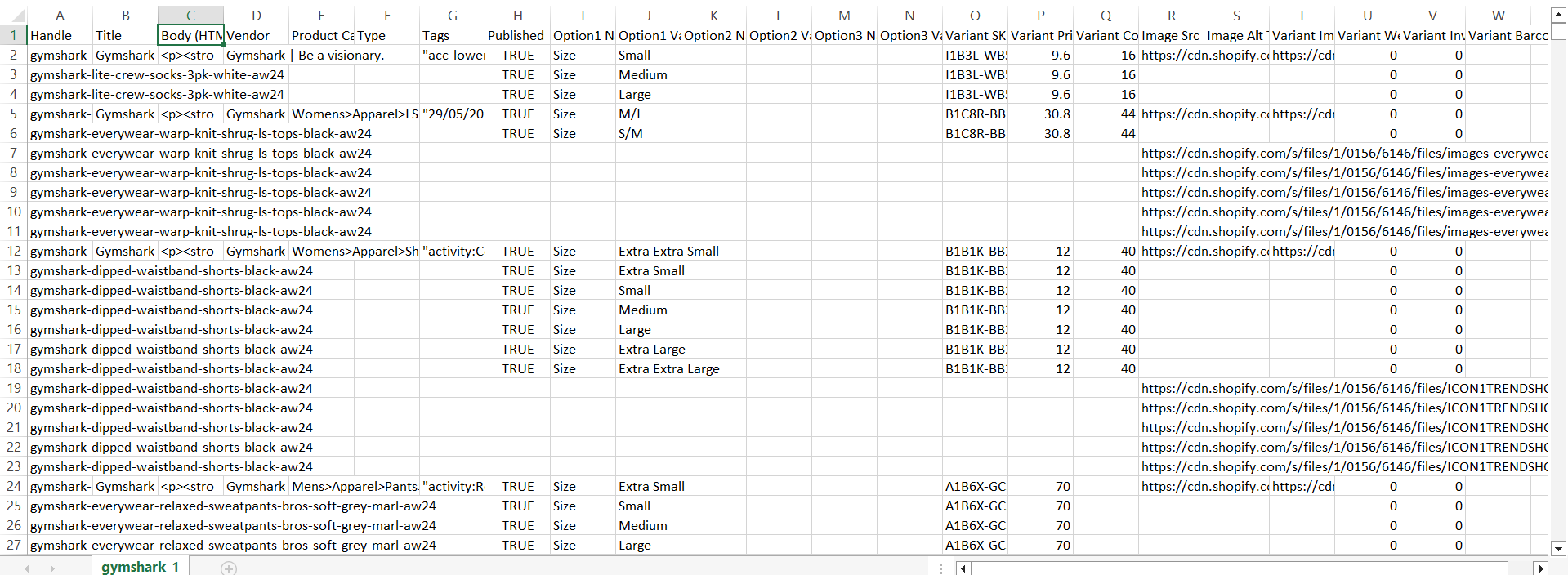
- Produces ready-to-import CSVs (with proper column and row-formatting) to allow the user to immediately use the CSVs in Shopify.
- Respects the 15-MB-size and 50,000-row Shopify limits per CSV. For large catalogs, it auto-splits the data into multiple CSVs.
Outputs
For any Shopify store, the scraper produces a JSON Lines (.jsonl) file that contains the entire product catalog and one or more CSV files with proper formatting for immediate Shopify product import.
Limits
For stores with product catalogs of more than 25,000 products, the scraper falls back to the collections aggregation strategy, which makes it slower (mitigated significantly in the May 30, 2026 update).
Setup
Make sure you navigate to the project folder, then write the commands below.
Create new virtual environment
MacOS/Linux
python3 -m venv venv
Windows
python -m venv venv
Activate virtual environment
MacOS/Linux
source venv/bin/activate
Windows CMD
.\venv\Scripts\activate
Windows Bash
source venv/Scripts/activate
Install dependencies
MacOS/Linux
pip3 install -r requirements.txt
Windows
pip install -r requirements.txt
Run the tool
MacOS/Linux
python3 main.py
Windows
python main.py
Usage
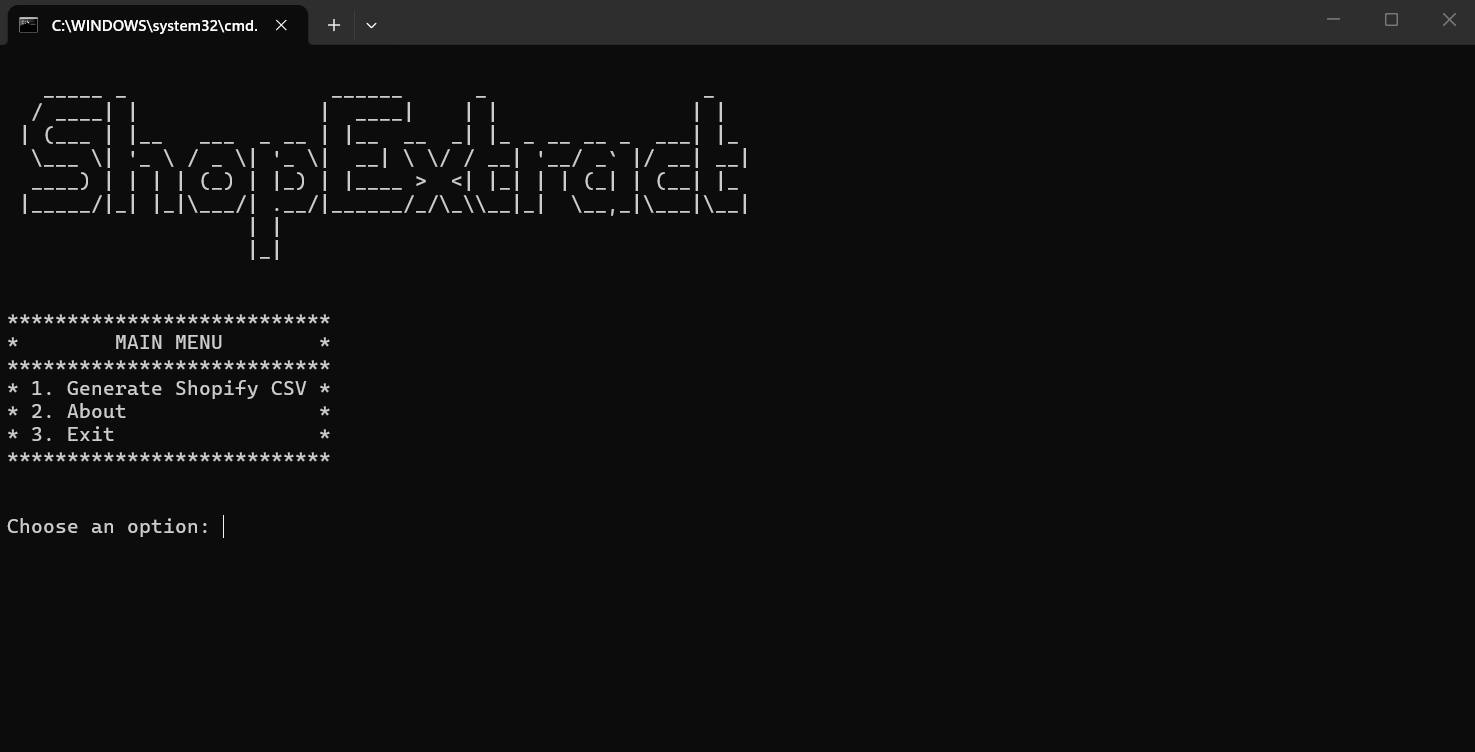
- Press '1' in the main menu screen and press ENTER.
- Type your target store URL (e.g. https://www.gymshark.com/) and press ENTER.
- Type your output CSV name and press ENTER.
- Wait until scraping is complete.
- Enjoy your CSVs.
Screenshots
Menu
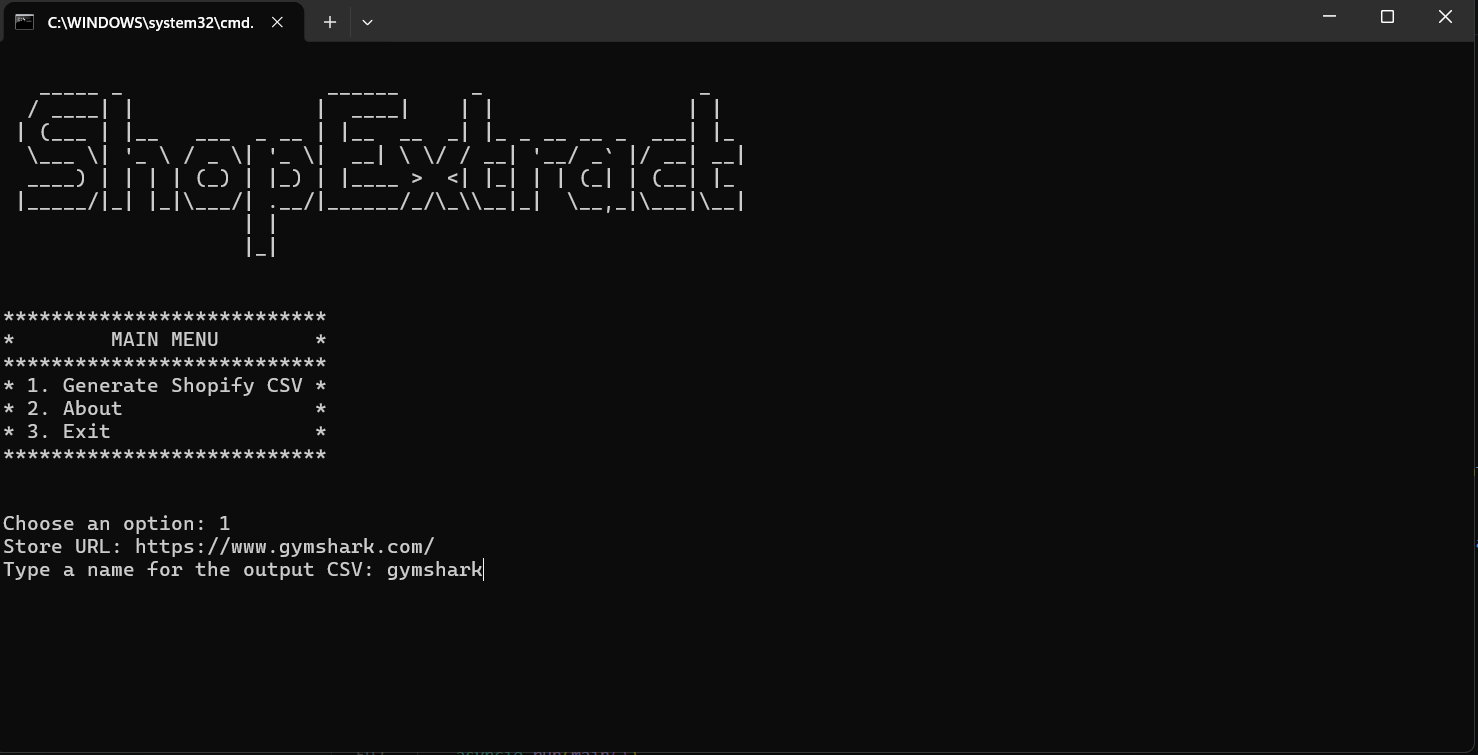
Scraping

Output